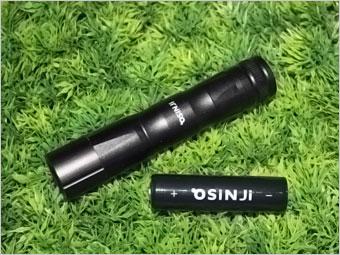
Sinji Front Light RF-620 T6 620 Lumen LED Li-ion Battery
$150.00
Sale price
$150.00
Regular price
Skip to product information


Sinji Front Light RF-620 T6 620 Lumen LED Li-ion Battery
$150.00
Sale price
$150.00
Regular price
RF-620 installed on handlebar
| RF-620 installed on halmet
|
Micro USB Charging system
| Special Charger(Including)
|
Alarm lamp for battery status
| RF-620 Battery
|


RF-620 Operating method
| |||||||||||||
Button color based on the battery status
| |||||||||||||
How to install
1. As shown in figure1, attach the bracket to the handle bar. | |||||||||||||
How to recharge
1. Open the charging-protective cap of switch part. | |||||||||||||


RF-620 SET

Package Design

RF-620 Inner view

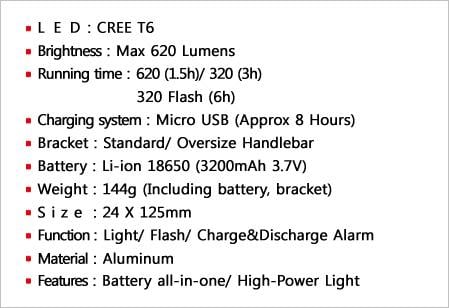
RF-620 LED View
| RF-620's Light View
|
Alarm lamp for battery status
| SiNJi's Battery
|